7417 - Lattice Diamond: How to create an encrypted netlist?
1) Open the design to encrypt:
2) Change the Strategy settings to Disable IO Insertion = True
3) Run the Design Process until Translate Design
4) From the Impl1 folder of the current design, copy the .ngo file to the new design user wants to add the encrypted netlist and rename it based on the module name as shown:
5) From the new design, the user must have a _bb.v file that shows the port declarations of the user's encrypted netlist, please make sure to add the attributes within /* */ as shown below:
6) Now instantiate it from the design:
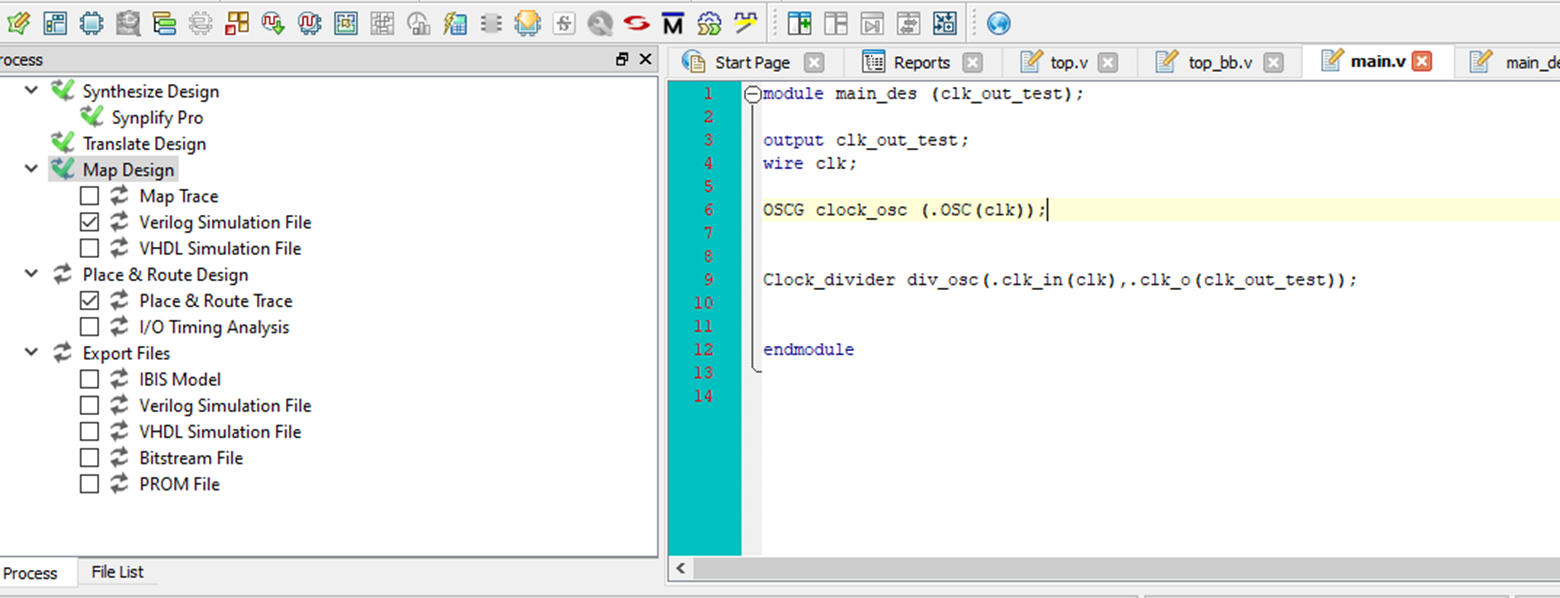
Result:
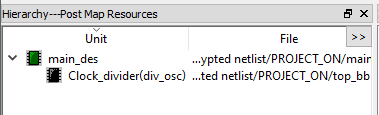
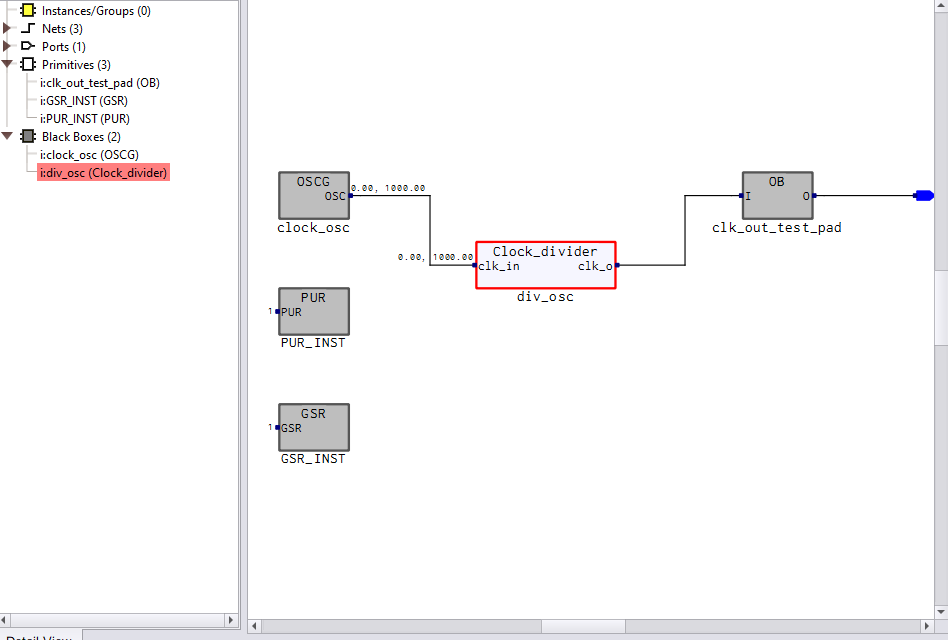
Result: